
A fully local AI assistant that can process emails, calendars, files and web information in a controlled way, without sensitive data leaving your own infrastructure.
Separate agent/LLM architecture with policy engine, approval system and encrypted data storage. Runs entirely locally on a self-hosted home server.
AI assistants are currently ubiquitous. This makes the counter-concept all the more exciting: a fully local assistant that runs on your own hardware, is operated under your own control, and works with its own toolset. Many current systems rely on online models and external services for convenience and functionality – and thus often also on the processing of personal data outside of one's own infrastructure.
Algroveon-Agent is an attempt to take this path locally: not with the claim of being fundamentally better, but with more control over data, behavior, and system architecture, and to learn from it.
Architecture
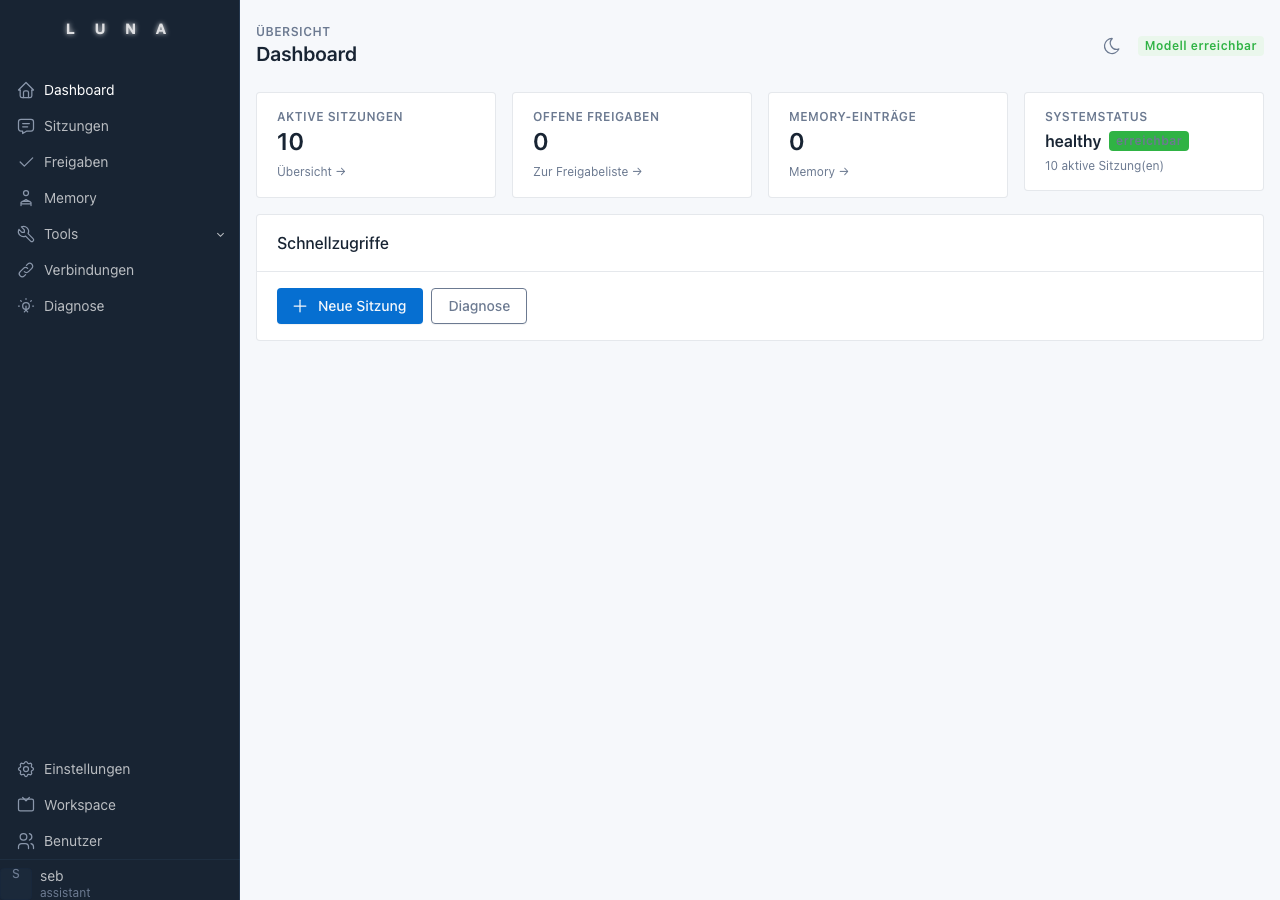
Algroveon-Agent is a FastAPI application running in a separate container under Proxmox. The LLM runs separately in its own VM, "Algroveon-AI", where the RTX 2000 Blackwell is used directly via PCIe passthrough and Ollama provides the models. All data – sessions, memory, audit log, user profiles – is stored in encrypted SQLite databases (SQLCipher) on local hardware.
Local GPU Server   ← Ollama (Gemma-4, Embeddings)
Algroveon-Agent Server    ← FastAPI, SQLCipher, Policy Engine, Tool-Executor
Algroveon Mac Client      ← SwiftUI, WebSocket, native macOS tools
Profiles: Two Operating Modes
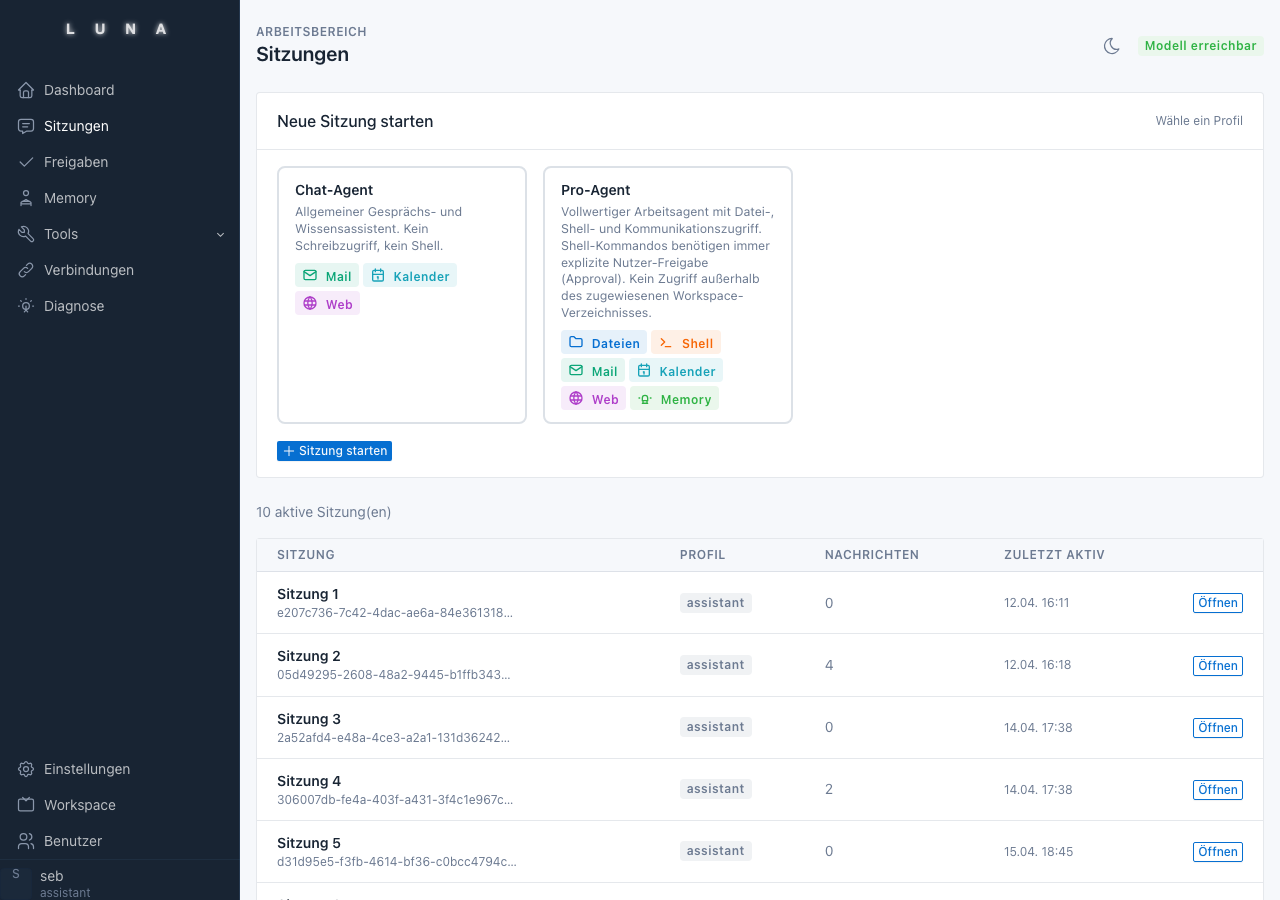
Each session starts with a chosen profile. The profiles are stored as YAML files and define allowed tools, model selection, and authorization behavior:
| Profile | Model | Purpose |
|---|---|---|
chat |
Gemma-4 | Communication, search, read calendar |
pro |
Gemma-4 | File access, mail, shell sandbox |
Toolset
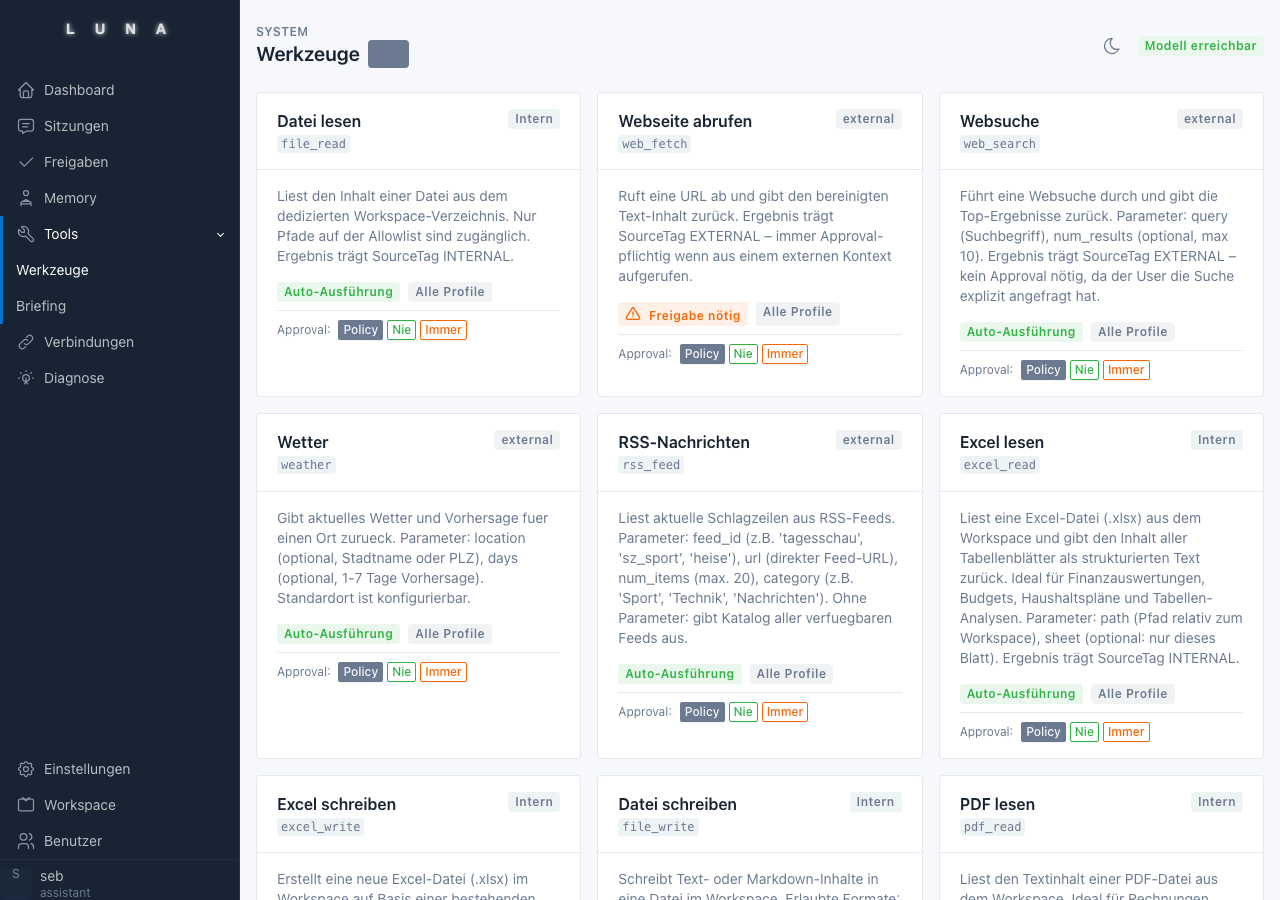
Each tool is assigned to a source (TRUSTED / INTERNAL / EXTERNAL) and has fixed rules for authorization and usage:
Communication: Read Apple Mail, search, create drafts, send
Calendar: Read Google Calendar, create and edit appointments
Web: Web search (SearXNG, locally hosted), fetch URL, RSS feeds, weather
Files: Read/write workspace, PDF, CSV, Excel
System: Shell in sandbox (only pro, always requires approval)
Approval System
Writing and destructive actions require explicit user authorization – whether from the browser, the Mac client, or from a scheduled task. The agent pauses, shows concretely what it intends to execute, and waits for approval.
Memory: Two Levels
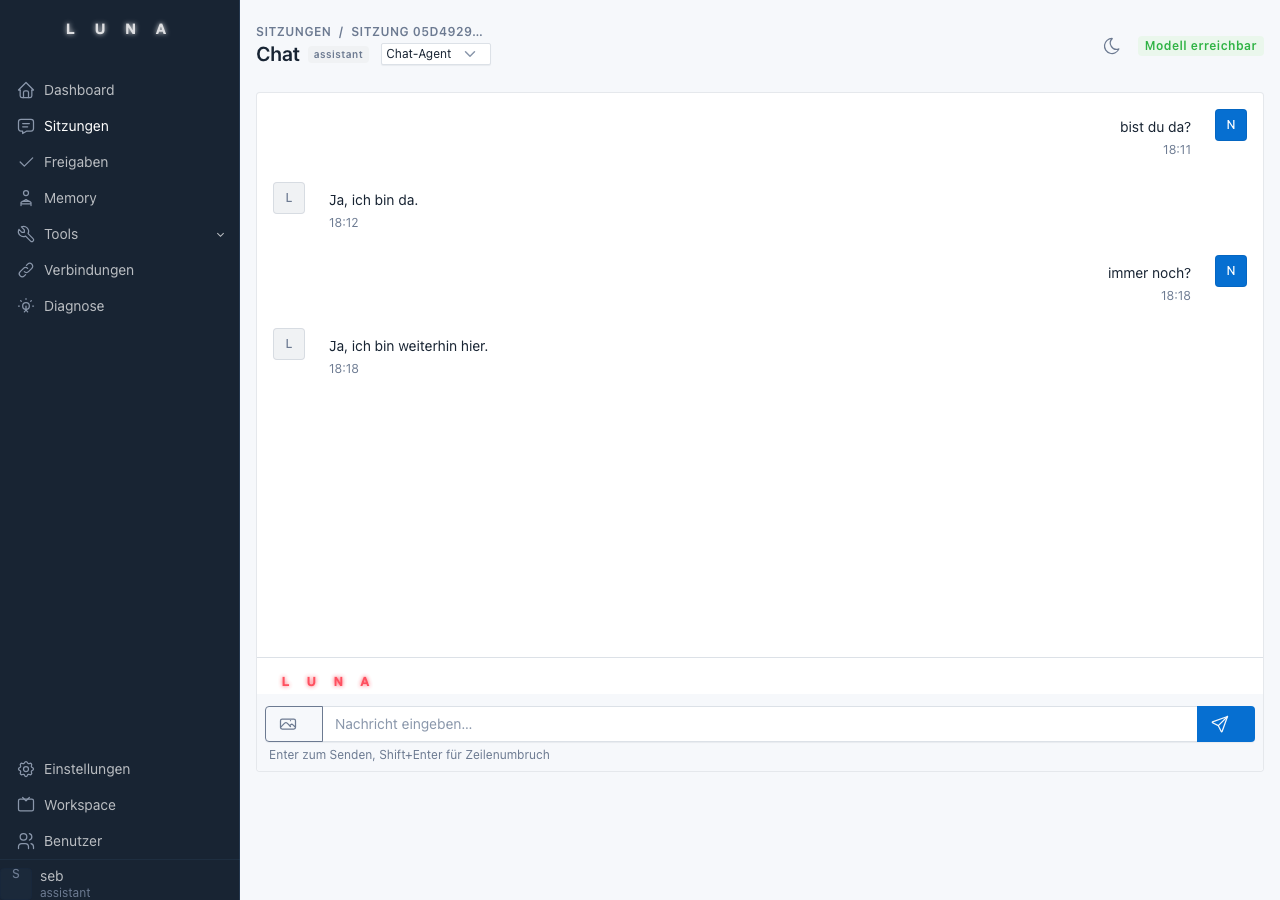
- Session Memory: The last 20 messages from the previous session are loaded upon login.
- Long-Term Memory: Hybrid retrieval (full text + vector embeddings), automatically populated by a session summarizer after logout. External content from the web is not automatically transferred to long-term memory.
Policy Engine
All security decisions are deterministic and auditable – the LLM does not decide for itself what is allowed. Four verification stages: Profile active? → Source tag rule → Tool allowlist → Authorization profile. Every decision is recorded in the encrypted audit log.
Morning Brief
Daily email newsletter: weather, calendar preview, configurable news feeds. Structured data such as weather and calendar information is taken directly from the tool outputs.
HeadlessRunner & Scheduler
Time-scheduled tasks without an active browser user. Uses the same policy and audit logic as the chat. Serves as the foundation for future messenger integration and further automations.
Algroveon Mac
Native macOS client (SwiftUI, macOS 14+): Menu bar icon, SSE streaming chat, approval notifications via native macOS notifications, tokens stored in Keychain. The Mac is not a second AI system – it is a local tool executor. The LLM runs exclusively on the home server.